
How to Start Digital Illustration Right

That first blank canvas can feel oddly high-stakes. A student opens a drawing app, sees dozens of brushes, layers, settings, and menus, and suddenly a simple interest in art starts to feel technical. If you are wondering how to start digital illustration, the best approach is not to learn everything at once. It is to begin with a clear foundation, the right tools, and a structured path that builds both confidence and real skill.
Digital illustration is exciting because it gives young artists and beginners room to experiment without wasting materials or feeling locked into mistakes. At the same time, the medium can be misleading. The software is powerful, but tools alone do not create strong artwork. Progress comes from learning the same essentials that matter in traditional art - observation, line control, shape, color, composition, and consistent practice.
How to start digital illustration with the right mindset
Many beginners assume digital art is faster or easier than drawing on paper. In reality, it is simply different. The screen gives you undo, layers, and brush variety, but it still asks for patience, hand control, and visual understanding.
For children and teens especially, the strongest start comes from treating digital illustration as a skill-building journey rather than instant entertainment. That mindset matters. Students who expect immediate polished results often get discouraged quickly. Students who understand that each lesson builds on the last tend to stay motivated, improve steadily, and enjoy the process more.
A healthy starting mindset includes two ideas. First, it is normal for early work to look simple. Second, structured practice leads to visible progress. That is true whether a student is drawing characters for fun, exploring anime-inspired art, or preparing eventually for portfolio work.
Start with equipment that supports learning
One of the most common mistakes beginners make is overbuying. A professional device can be wonderful, but the best setup is the one a student can use comfortably and consistently.
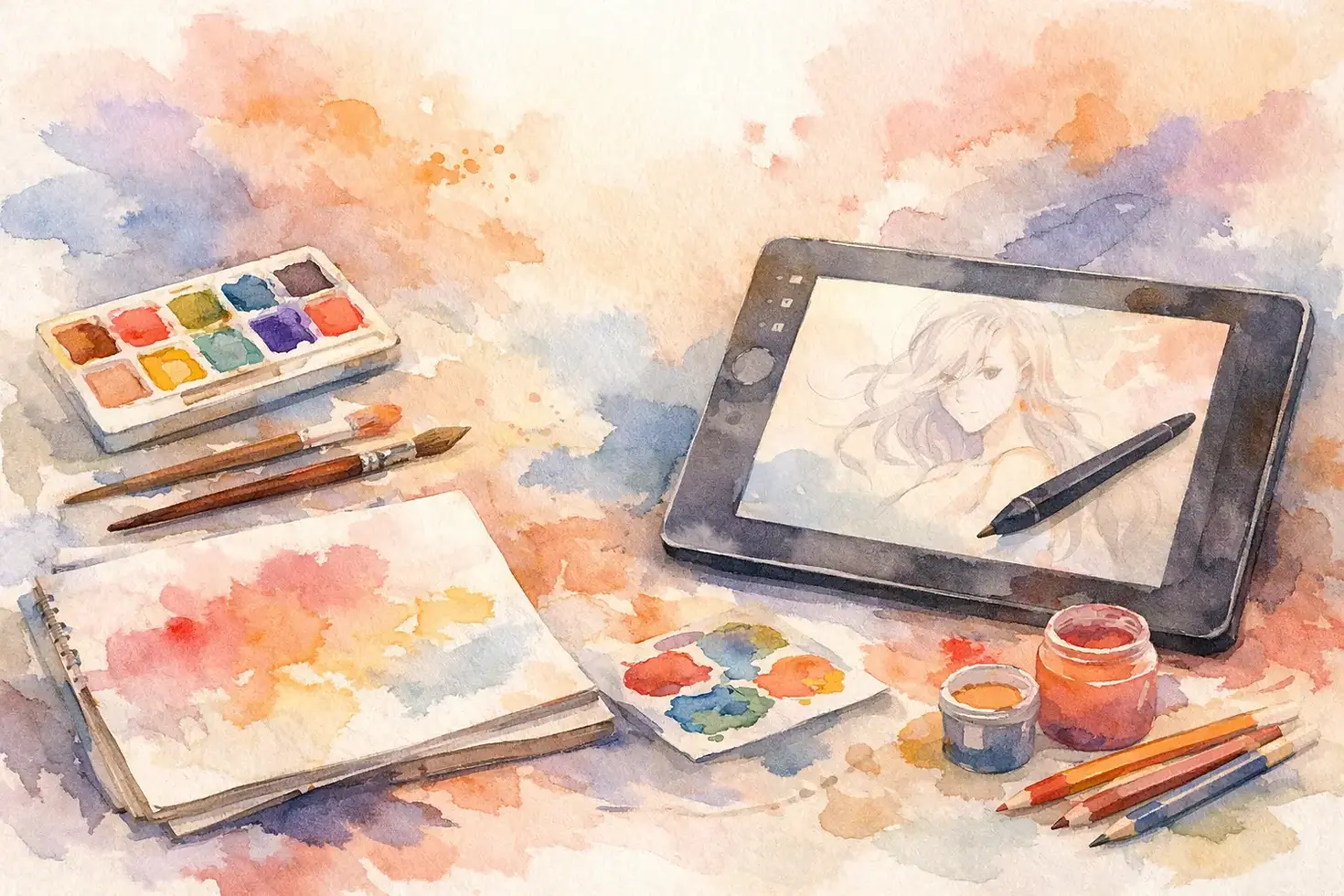
A basic beginner setup usually includes a tablet or iPad with a stylus and a reliable drawing app. Some students prefer a screen tablet because drawing directly on the image feels natural. Others begin with a drawing tablet connected to a computer. Both can work well. What matters more is responsiveness, pen pressure, and enough simplicity that the student spends time drawing instead of troubleshooting.
If a family is choosing between options, it helps to think about age and goals. Younger students often do best with intuitive tools and guided instruction. Teens who are serious about design, illustration, or portfolio development may benefit from software with more advanced layer and brush controls. There is no single perfect device for everyone. The right choice depends on whether the goal is casual exploration, long-term training, or academic preparation.
It also helps to set up the drawing space well. Good posture, a consistent workspace, and a regular class or practice schedule make more difference than most people expect.
Learn the core skills before chasing special effects
Brush packs, texture overlays, and flashy filters can make digital art look advanced, but they should not be the starting point. Beginners grow faster when they focus on fundamentals first.
Line quality is one of the earliest skills to develop. Clean, confident lines come from hand control and repetition, not from finding the perfect brush. Shape construction comes next. Students who can break a character, object, or animal into simple forms have a much easier time drawing accurately from imagination later.
Value and color are equally important. Digital tools make color selection easy, but choosing effective color is still a learned skill. Beginners should practice how light affects form, how warm and cool colors create mood, and how contrast helps direct attention.
Composition is another often overlooked area. A drawing can have strong rendering and still feel weak if the placement, balance, or focal point is unclear. This is one reason guided instruction matters. A trained teacher can see what a student is missing long before the student can identify it alone.
How to start digital illustration through simple projects
Beginners do better with focused assignments than with unlimited freedom. A blank file can be overwhelming. A clear prompt creates momentum.
Start with short projects that train one or two skills at a time. That might mean drawing fruit with simple shading, illustrating a favorite animal using basic shapes, creating a character expression sheet, or practicing backgrounds with a limited color palette. These kinds of projects teach observation and control without becoming too complex too quickly.
For younger artists, digital illustration should still feel creative and enjoyable. For teens, project-based learning becomes even more valuable because it builds a body of work over time. That early collection of finished pieces can later support more advanced goals, including school art projects, AP Art preparation, or portfolio development.
The key is progression. Students should not jump from beginner sketches straight into highly detailed professional-style illustrations. A step-by-step sequence builds stronger habits and reduces frustration.
Choose instruction that balances creativity and structure
There is a lot of free digital art content online, and some of it is useful. But for many beginners, especially children and teens, too much unfiltered information becomes a problem. One video teaches one method, another video contradicts it, and the student ends up copying effects without understanding the underlying skills.
Structured instruction gives students a sequence. They learn what to practice first, what comes next, and why each exercise matters. That is especially important for families who want more than casual screen time. They want their child to build real artistic ability, confidence, and disciplined creative habits.
A strong digital illustration program should offer more than software tips. It should teach drawing foundations, age-appropriate technique, guided projects, feedback, and measurable growth. Small-group settings can be especially effective because students receive personal attention while still feeling inspired by peers.
This is where a dedicated academy environment can make a real difference. At Expression8 Art Academy, digital art instruction works best when students are guided from beginner-level skills into stronger creative decision-making, technical control, and finished artwork they can genuinely feel proud of.
Expect a learning curve and watch for real progress
Parents sometimes ask how quickly a student should improve. The honest answer is that it depends on age, consistency, and prior art experience. A beginner who practices weekly with quality instruction will often show visible gains in line confidence, color use, and composition within a relatively short period. More advanced skills such as anatomy, perspective, and polished rendering take longer.
Real progress is not just about making prettier artwork. It also shows up in how a student works. Are they planning before they color? Are they using layers intentionally? Are they correcting proportions on their own? Are they more confident when approaching a new subject?
Those signs matter because they show growing independence. The goal is not to make students dependent on tutorials forever. The goal is to help them develop artistic judgment.
There will also be plateaus. That is normal. Sometimes a student improves quickly in one area and then struggles in the next. This is often where encouragement and expert feedback matter most. A plateau is not failure. It usually means the student is moving from surface-level familiarity into deeper understanding.
Build habits that support long-term success
The students who progress most in digital illustration are rarely the ones who rely on bursts of motivation. They are the ones who build a routine.
That routine does not need to be extreme. A younger student may benefit from one structured class and one short home practice session each week. A teen with serious goals may need a more consistent schedule with sketching, project work, and critique. What matters is regular engagement over time.
It also helps to save artwork instead of deleting early attempts. Looking back at older work is one of the clearest ways to see growth. That visible progress builds confidence, and confidence supports persistence.
Families should remember that digital illustration can develop more than art technique. It strengthens observation, patience, creative problem-solving, and the ability to accept feedback and improve. Those are valuable skills in school, in portfolio preparation, and in any serious creative path.
If you are deciding how to begin, keep it simple. Choose tools that fit the student, start with fundamentals, and look for instruction that treats creativity with both warmth and discipline. The best beginning in digital illustration is not the fanciest setup. It is a strong first step, taken consistently, with the right guidance behind it.



Comments